
The app has a whole host of functions you might not have heard of
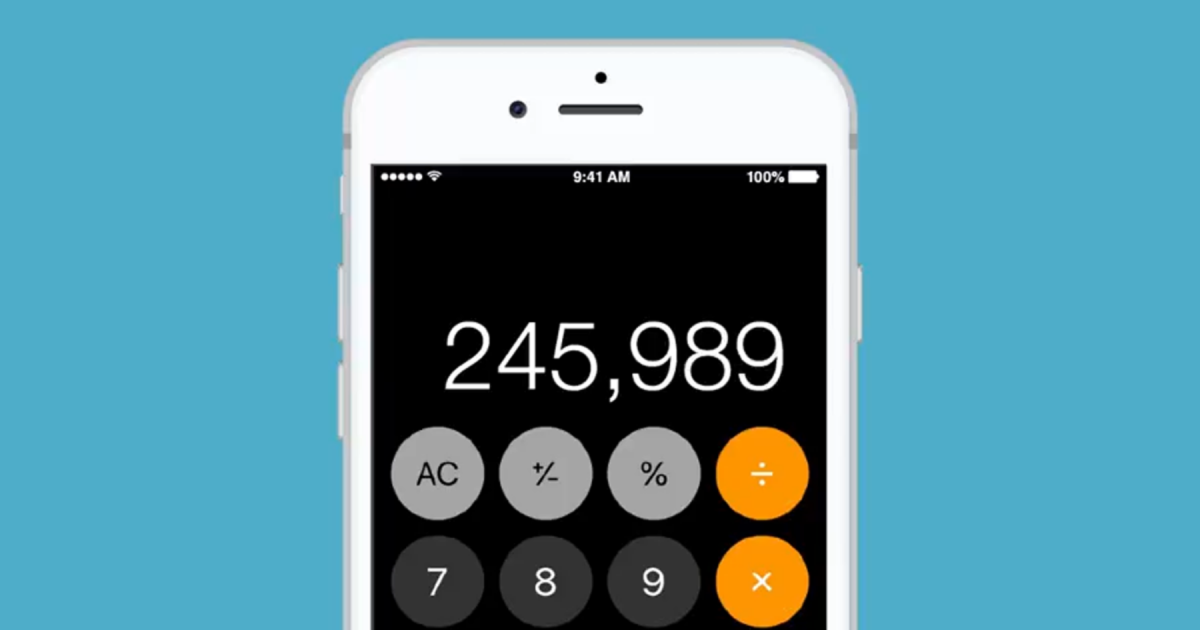
People Are Stunned To Discover They've Been Using The iPhone Calculator App Incorrectly All Along
By
maks in
Technology
Published On 24th April 2024
Using the calculator on your phone is pretty straightforward, right?
You just open it, punch in your numbers, and hit the equals sign to get your result.
It's all easy enough, but I bet we've all felt the annoyance of entering a string of numbers only to mess up and have to start all over.
Whether it's because you're figuring out your share of the bill after a couple of drinks, or just a simple slip of the finger, it's frustrating.
But what if I told you that you don't have to wipe your entire calculation clean if you make a mistake?
Yes, it's a game changer.
Up until now, most of us just automatically hit the 'C' button to start fresh.
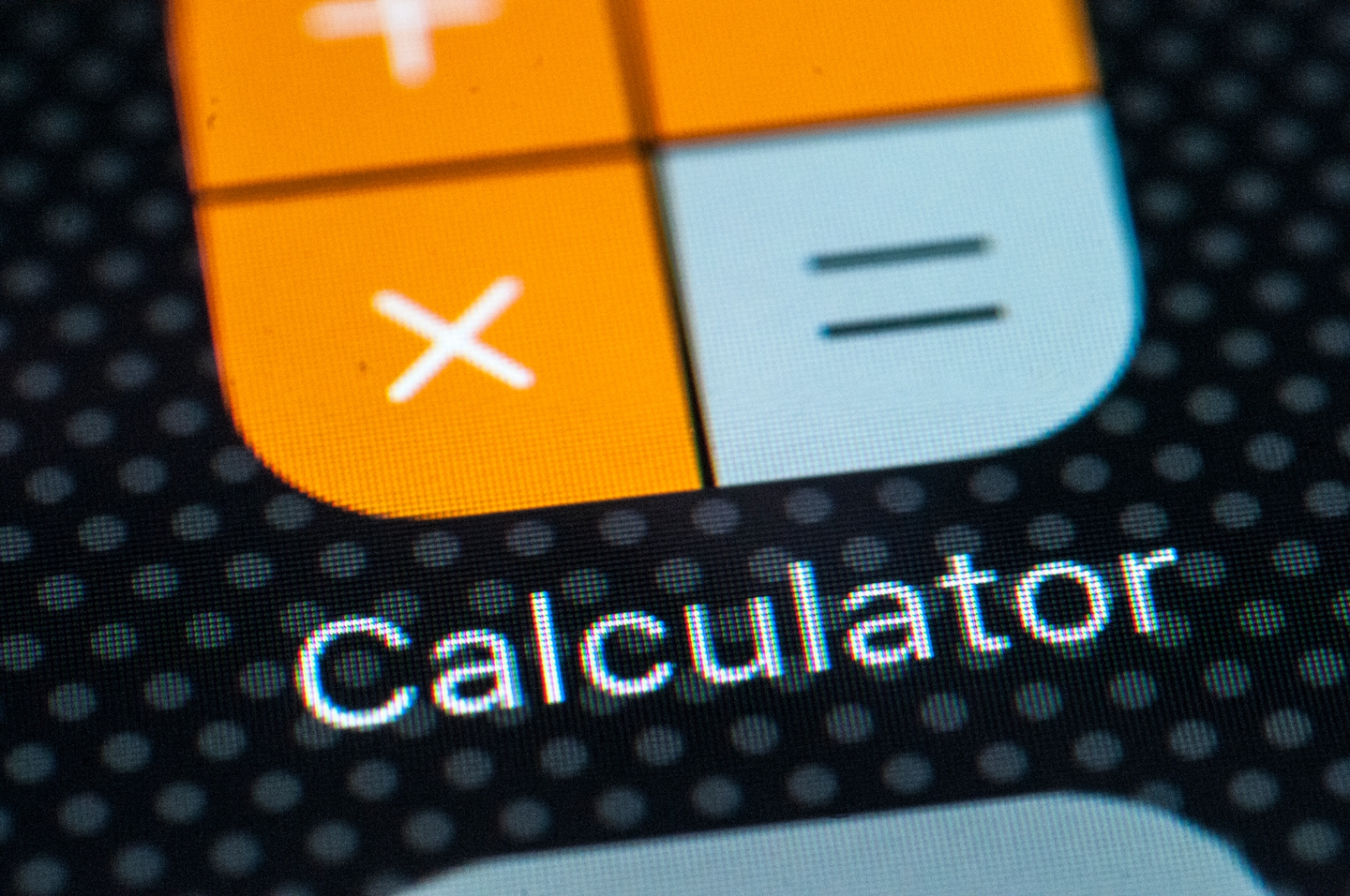
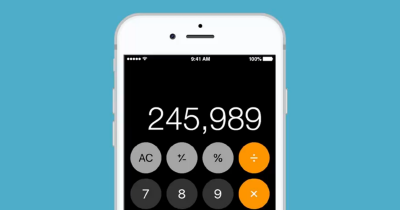
However, you can actually delete numbers one at a time by simply swiping left or right across the calculator's display.
This way, you don't have to delete everything just because of one small error.
And that's not the only trick your calculator can do.
If you need to save some time on your calculations, there's a handy shortcut for that, too.
You can copy your most recent result without even opening the calculator app again.
If you've just done a calculation and switched to another app, just press and hold the calculator app icon.
An option to copy your last calculation will pop up.
For those who need more advanced functions, you can transform your app into a scientific calculator.
Make sure your screen orientation lock is off and turn your phone sideways; this will reveal all the scientific functions like exponential, logarithmic, and trigonometric operations.
The scientific calculator has even more hidden features. Just tap the button that reads '2nd', and you’ll unlock additional functions.
Need a random number? There's a button for that too. Just hit the 'Rand' button on the bottom right corner.
And don’t worry about switching between the standard and scientific modes; the calculator app saves your progress, so you won’t lose any calculations when you rotate your phone.
iPhone users have been especially surprised by these features, with one person commenting, "Omg just realized that since iPhone does not have a delete button in Calculator, you just need to swipe left/right to delete a digit. Lifesaver."
Another excited user said, "Omfg I just realized if you tilt the iPhone calculator it becomes a scientific one!!"
So, there you go—you’ve just upgraded your calculator skills.
More In Technology
Technology
 iPhone users conflicted on new feature that's 'terrifying' but could save your life
One Reddit user has shared their 'scary' experience with the iPhone feature.
May 02, 2024
Technology
 People Are Stunned To Discover They've Been Using The iPhone Calculator App Incorrectly All Along
The app has a whole host of functions you might not have heard of
Apr 24, 2024